Changelog

Follow new updates and improvements to Recess.

Parent Channels

You can now chat with all parents in each of your cohorts!

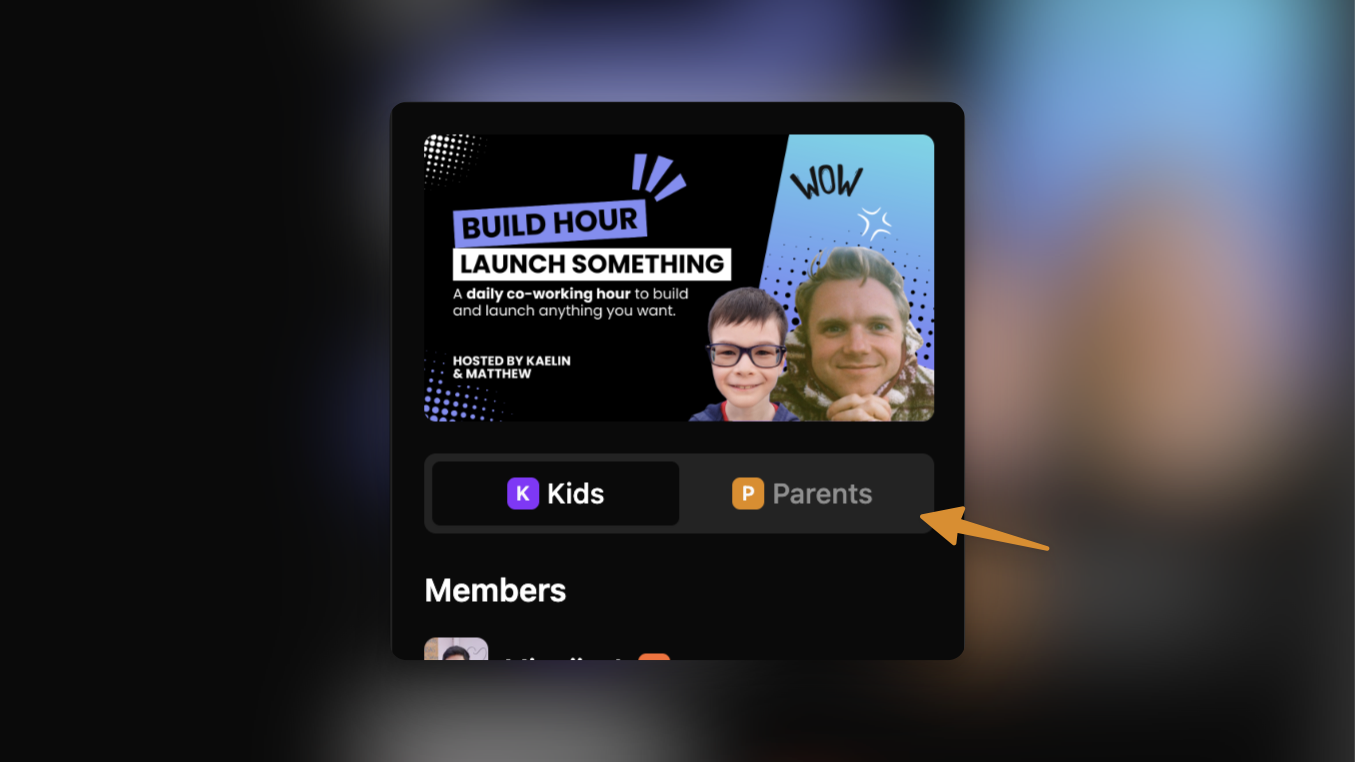
There’s now a new toggle on the right sidebar of your cohort channels, where you can switch from chatting with kids to chatting with parents. All parents of a registered kid will automatically be added to the parent channels on registration.

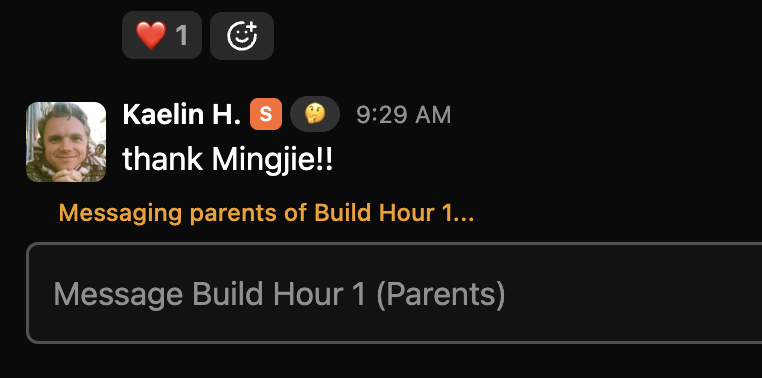
When messaging parents, you’ll see this hint that confirms that you are sending this to all parents.
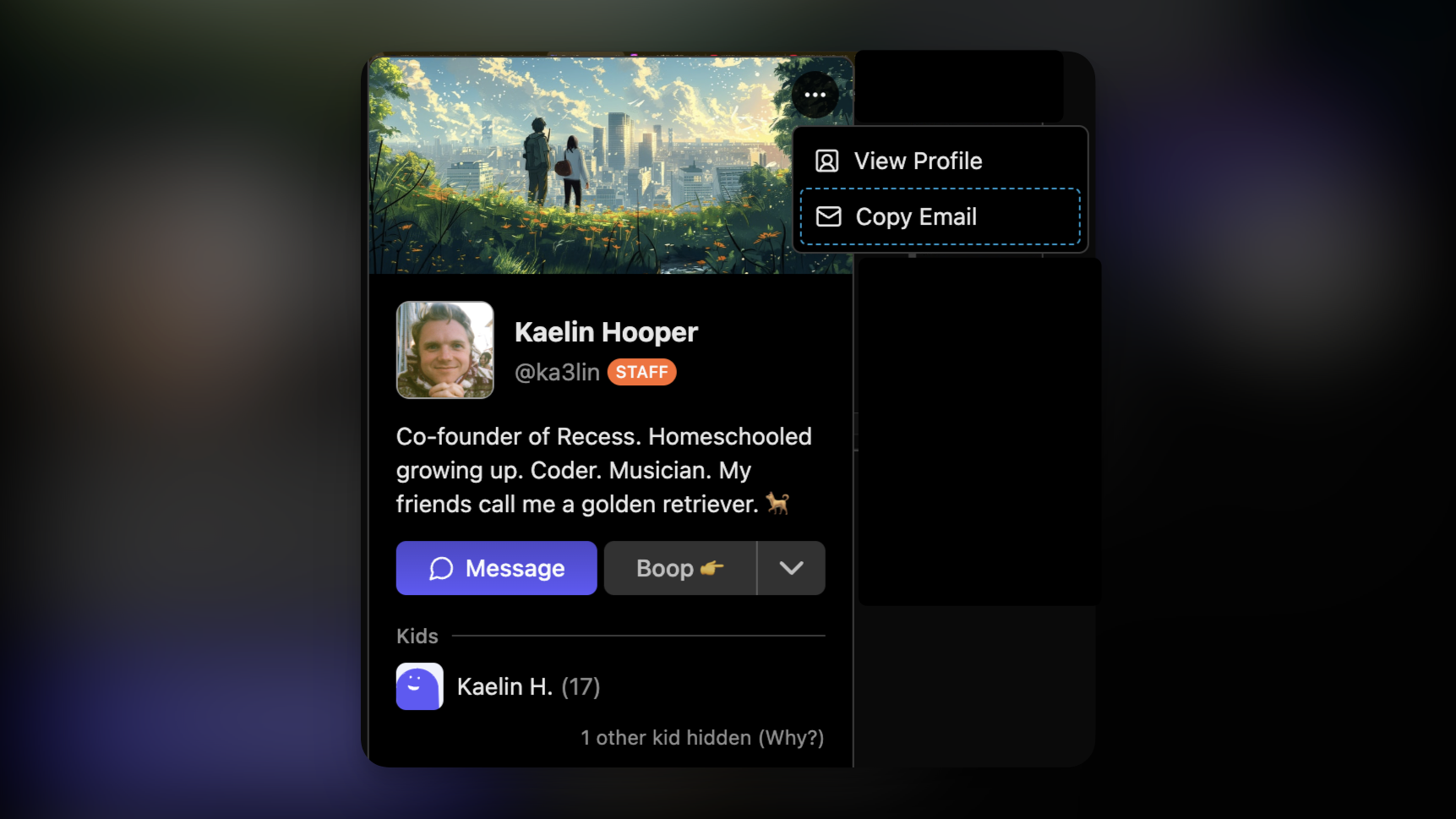
We’ve also improved the profile popover experience. For users you already have relationships with, you can now see the user’s family members directly from a user’s profile popover.
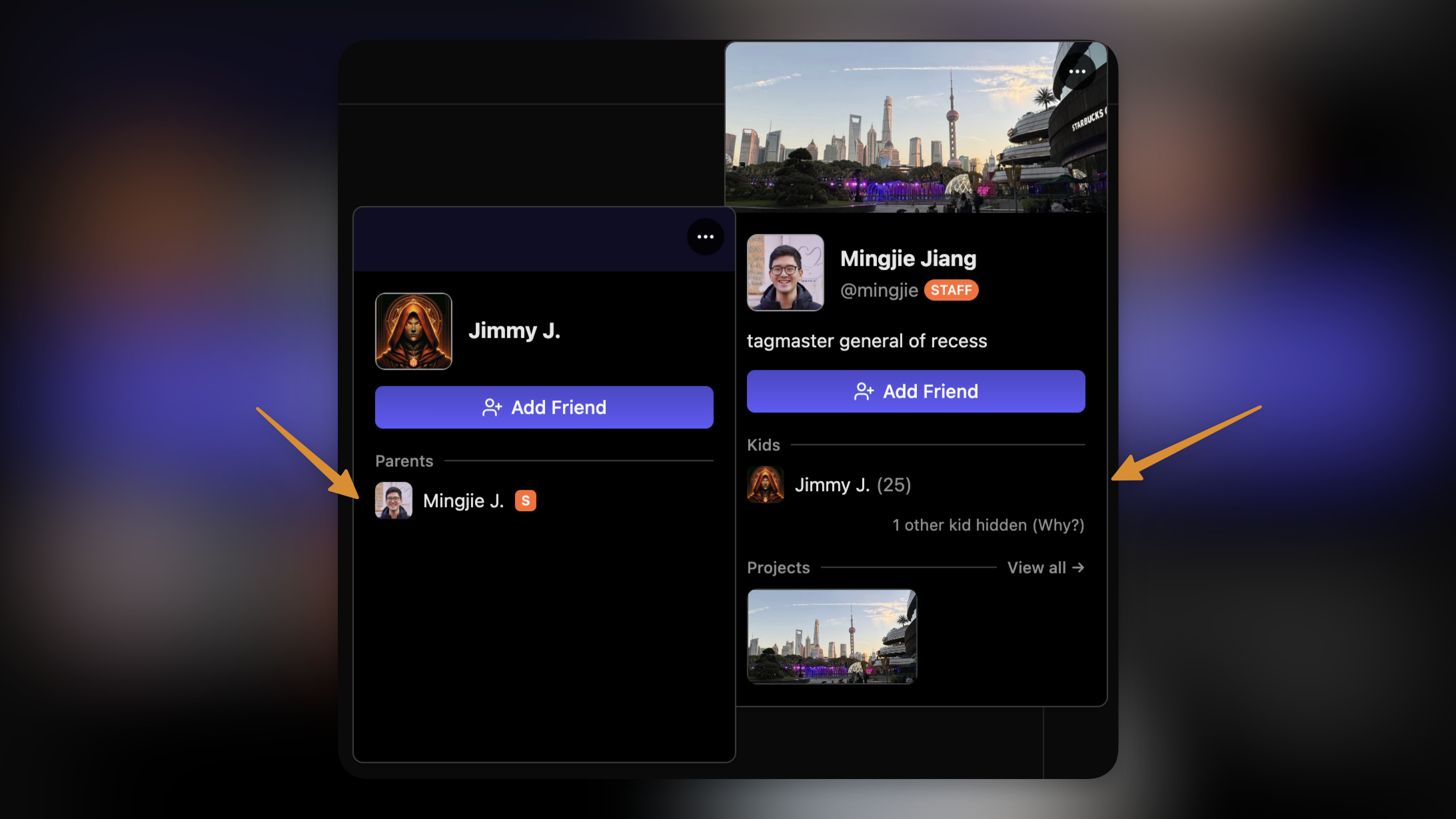
Additionally, you can now copy parents’ email addresses directly from the profile popover as well — as long as one of their kids is/was registered in your class.
Rooms in Cohort Channels

For courses hosted on Recess Rooms, you can now join the course room directly from the chat channel page!

Note that because course rooms do not require parent consent to join, these rooms will not start unless a guide is present in the room. Kids with consent to start rooms will see a message like this while you’re away.

Chat Improvements

We also improved lot of interfaces around chat this week, including typing indicators, a sleeker-looking input bar, and better member list sorting.

We’ll see you in chat!

NewFor Teachers

Portfolios (Kid Profiles)

Finally, we’re launching our MOST requested feature — Kid Profiles!

We’re calling them Portfolios because we think profiles on Recess should be all about the things you create, and it should be something you can show off to your friends forever.

After talking to lots of kids and guides on Recess, it was clear that portfolios needed to support many different kinds of projects you’re working on—Writing short stories, Building game worlds, Coding apps, Making art, Publishing YouTube videos, and more.

So we collaborated with many of you over the last month to create what we think meets all of those needs.

Portfolios are a place to showcase who you are and the things you make. You can create any number of projects you want and upload them.

Projects

Projects go on your portfolio. Each project is a powerful tool that you can use to show what you made. It could be as simple as uploading an image or writing a story about how you made it. And other people can give you kudos, too!

Editing projects are super easy. Just press the / key on any line to add content. You can add Images, Links, Code, Quotes, Headings, Highlighted text, and more.

All projects are private by default. If you want others to see them, you just click the Publish button. Also, if your project is an external link, like a Substack article you wrote, you can force everyone who clicks on it to go to that link instead.

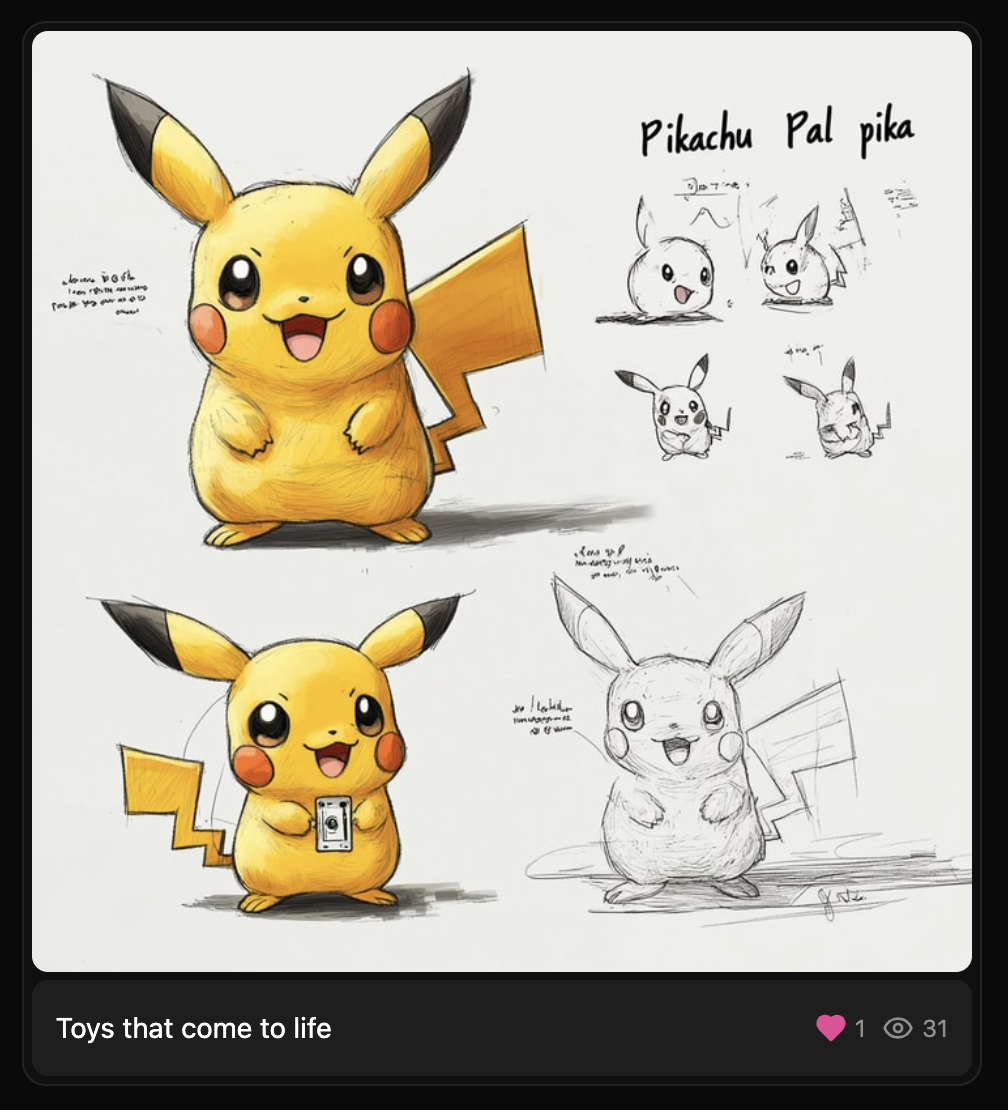
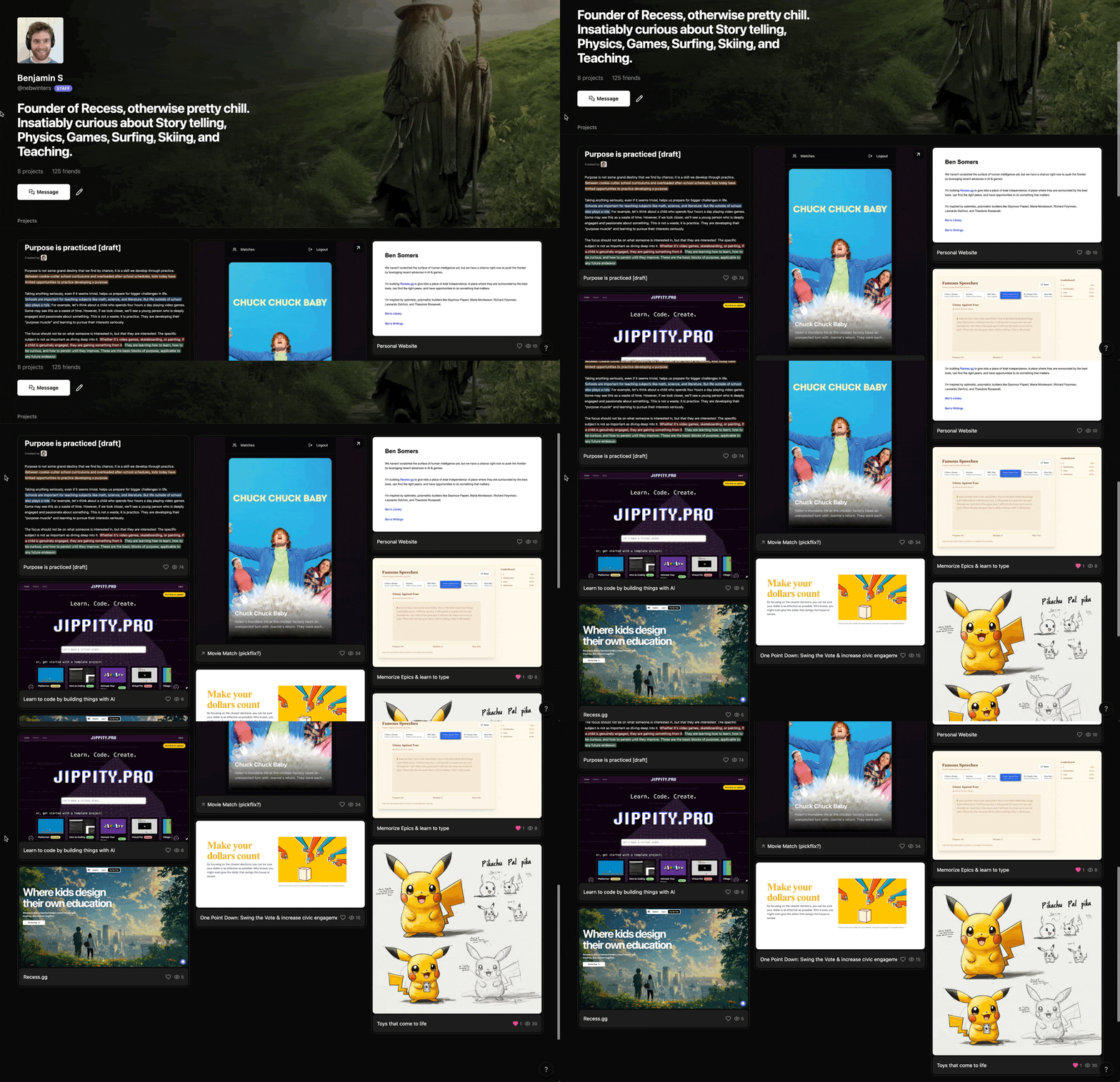
Published projects will show up on your portfolio like this. Be sure to give it a cool image!

Usernames

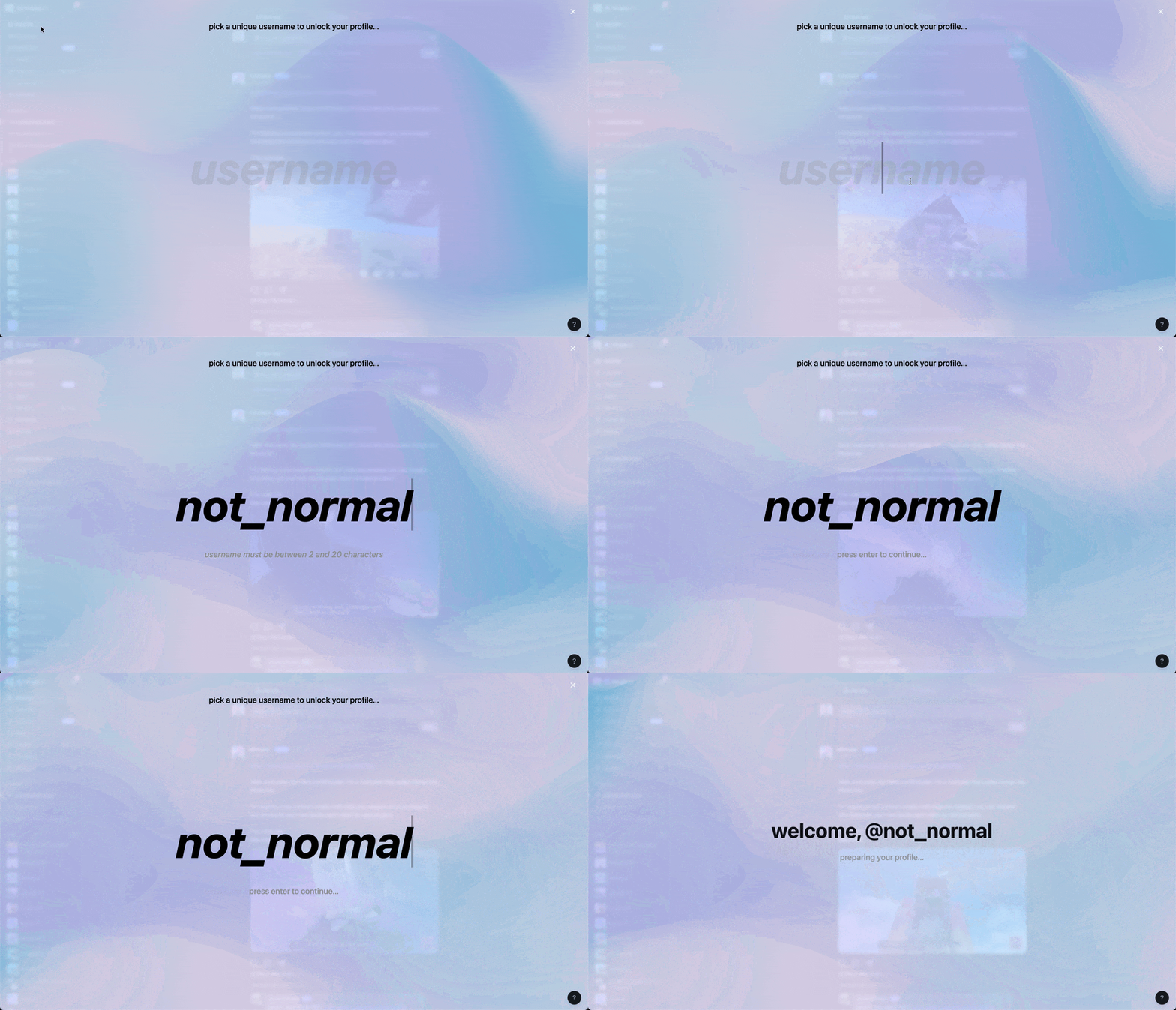
As part of this release, we’re also introducing usernames. Usernames give you a nice way of linking to your portfolio instead of an ugly long url with a bunch of random letters in it. For example, linking to your portfolio can look like this: https://recess.gg/@ka3lin

The first time you go to your portfolio, you’ll be asked to pick a username:

Project Gallery

There’s also a project gallery tab where you can see all the latest projects everyone across Recess has published. Use it to find others working on interesting stuff and collaborate with them, or use it to get inspired to make something of your own!

Shoutout to the early beta testers

HUGE shoutout to some of the early beta testers who were really active in giving feedback leading up to the first launch of Portfolios:

  • Theo P.

  • Isaiah F.

  • Gabriel R.

  • Nate P.

  • Claire H.

  • Matthew F.

Earlier updates