Changelog

Follow new updates and improvements to Recess.

Parent Channels

You can now chat with all parents in each of your cohorts!

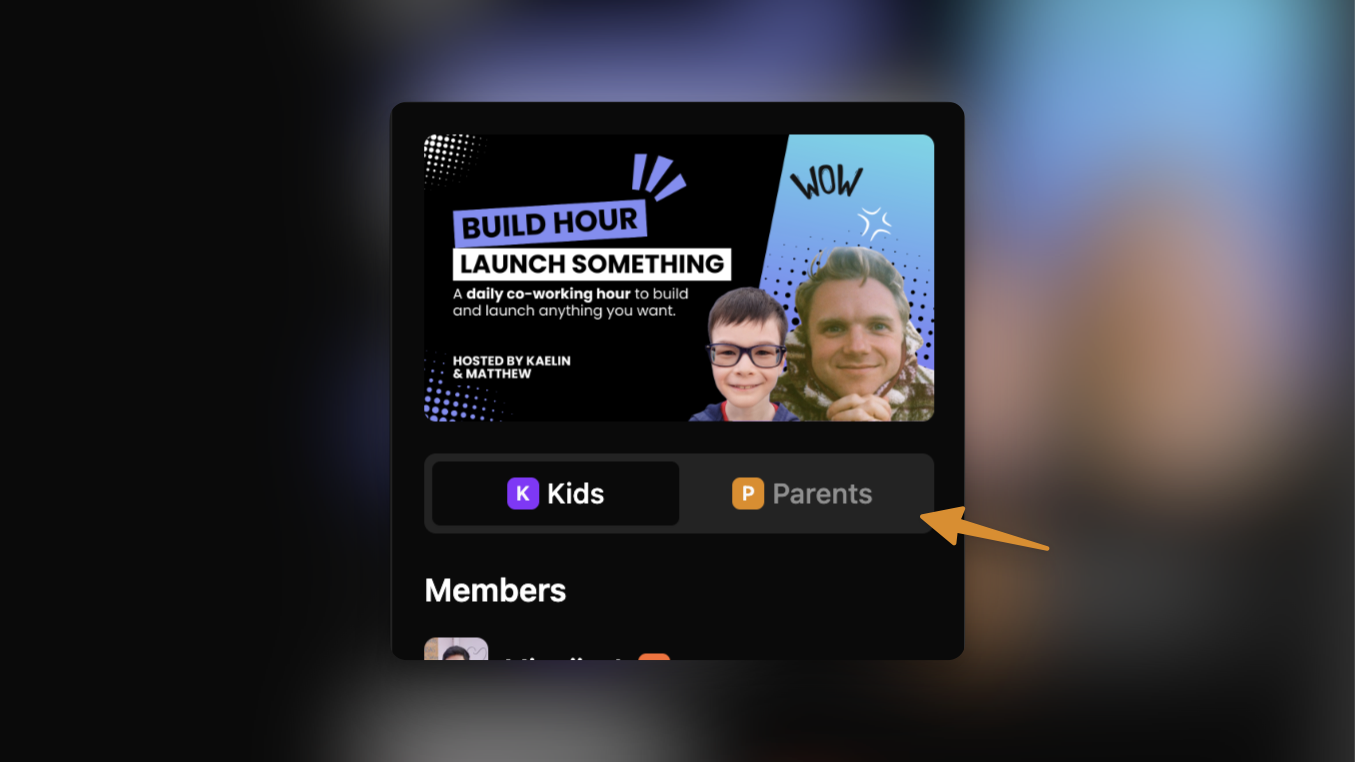
There’s now a new toggle on the right sidebar of your cohort channels, where you can switch from chatting with kids to chatting with parents. All parents of a registered kid will automatically be added to the parent channels on registration.

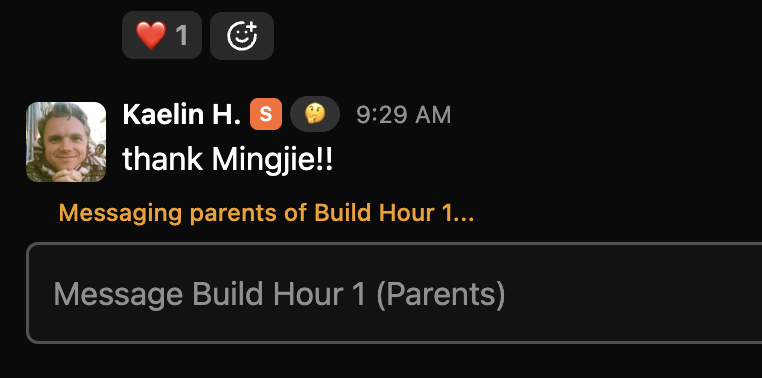
When messaging parents, you’ll see this hint that confirms that you are sending this to all parents.
We’ve also improved the profile popover experience. For users you already have relationships with, you can now see the user’s family members directly from a user’s profile popover.
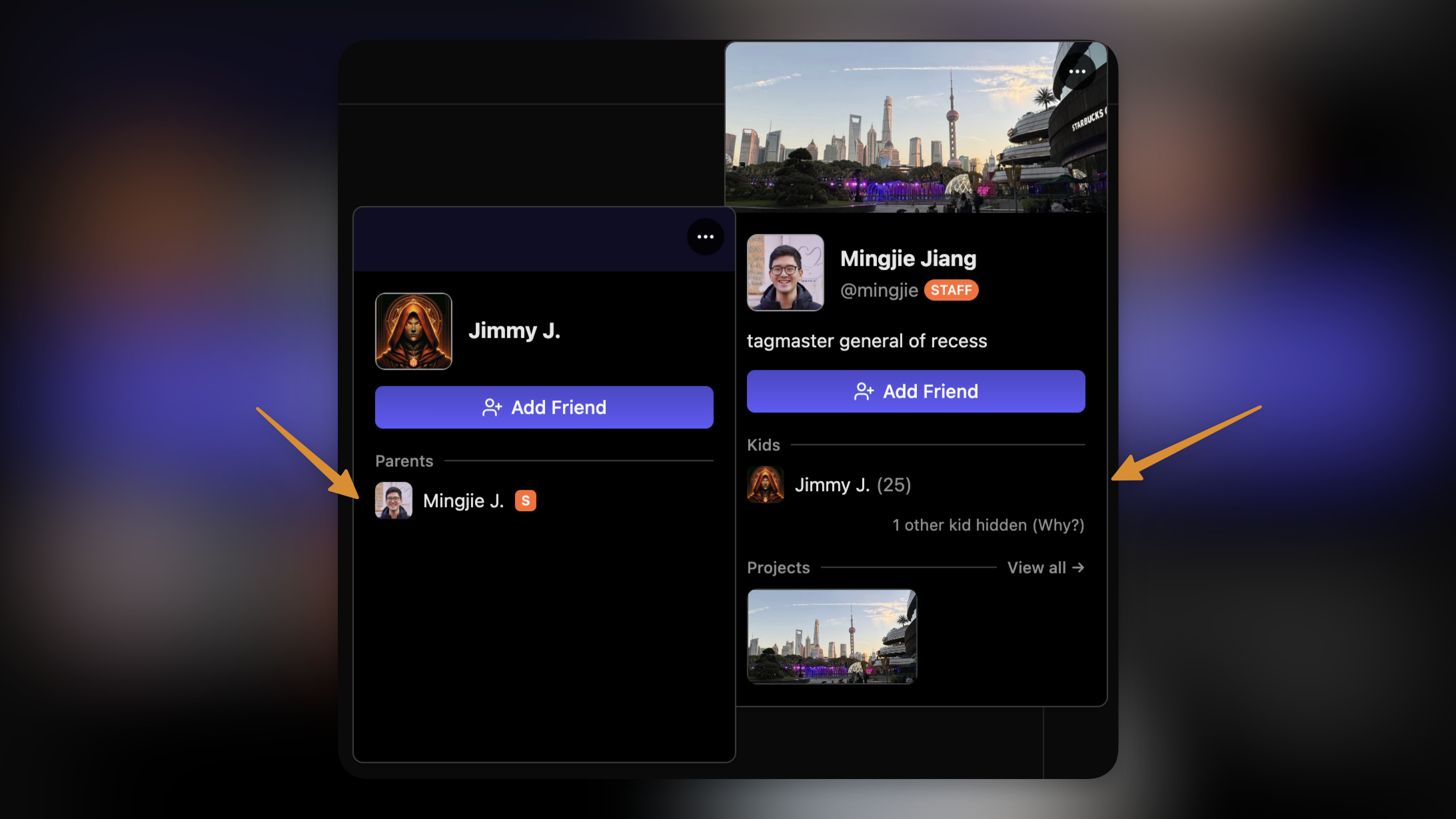
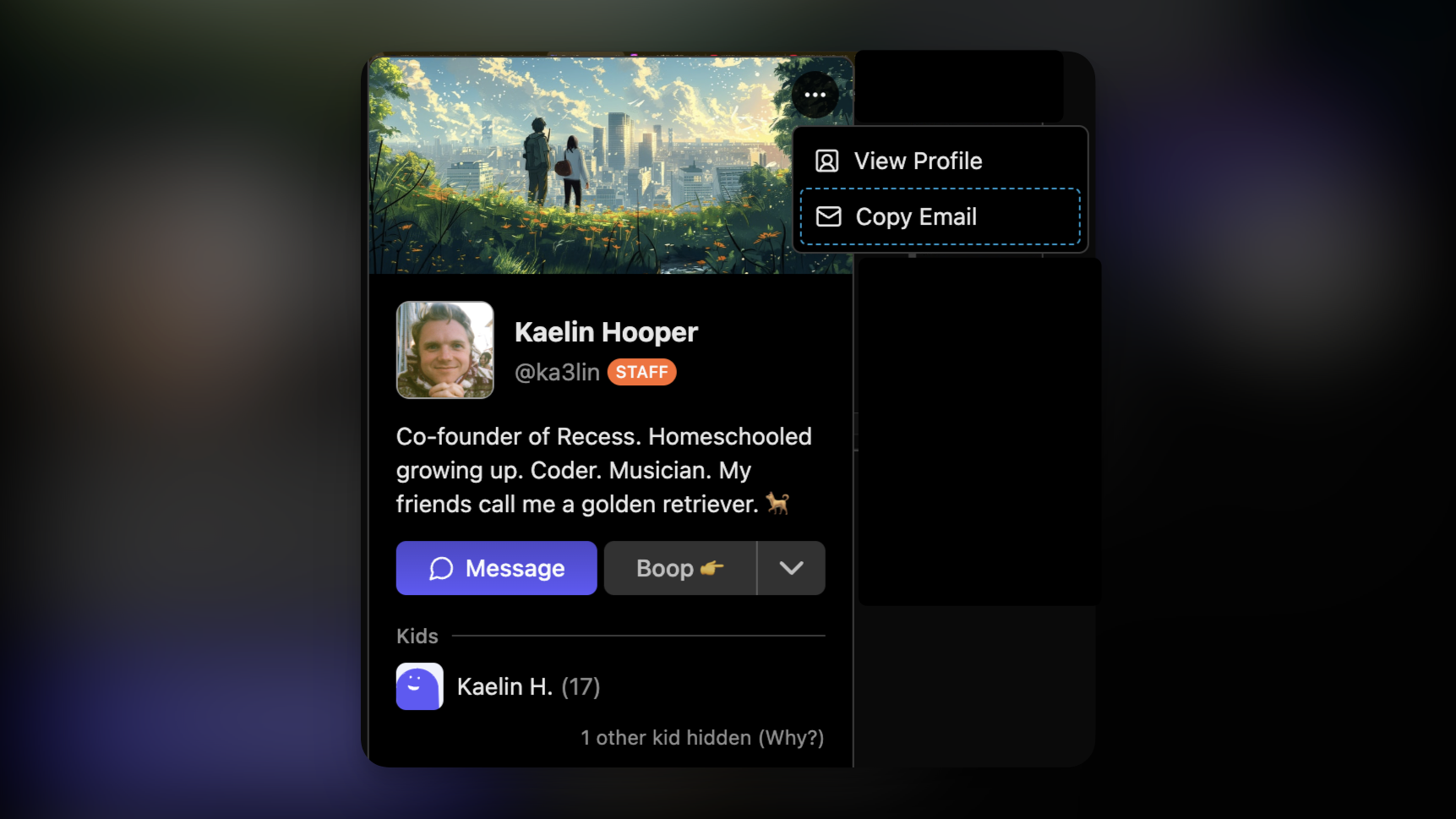
Additionally, you can now copy parents’ email addresses directly from the profile popover as well — as long as one of their kids is/was registered in your class.
Rooms in Cohort Channels

For courses hosted on Recess Rooms, you can now join the course room directly from the chat channel page!

Note that because course rooms do not require parent consent to join, these rooms will not start unless a guide is present in the room. Kids with consent to start rooms will see a message like this while you’re away.

Chat Improvements

We also improved lot of interfaces around chat this week, including typing indicators, a sleeker-looking input bar, and better member list sorting.

We’ll see you in chat!
NewFor Teachers

Recess Rooms are now available for classes

A while back, we launched Recess Rooms for chat channels. Rooms is an integrated video call experience on the Recess platform, allowing kids to spend time collaborating or play games in their own small groups.

Now, teachers can now choose to use Recess Rooms to host classes!

Rooms come with useful features for teachers too, like automatic session recordings, attendance tracking, whiteboard/media sharing, and other advanced moderation features.

Rooms will be the default hosting option for new offerings going forward.

Turning on Rooms for existing cohorts

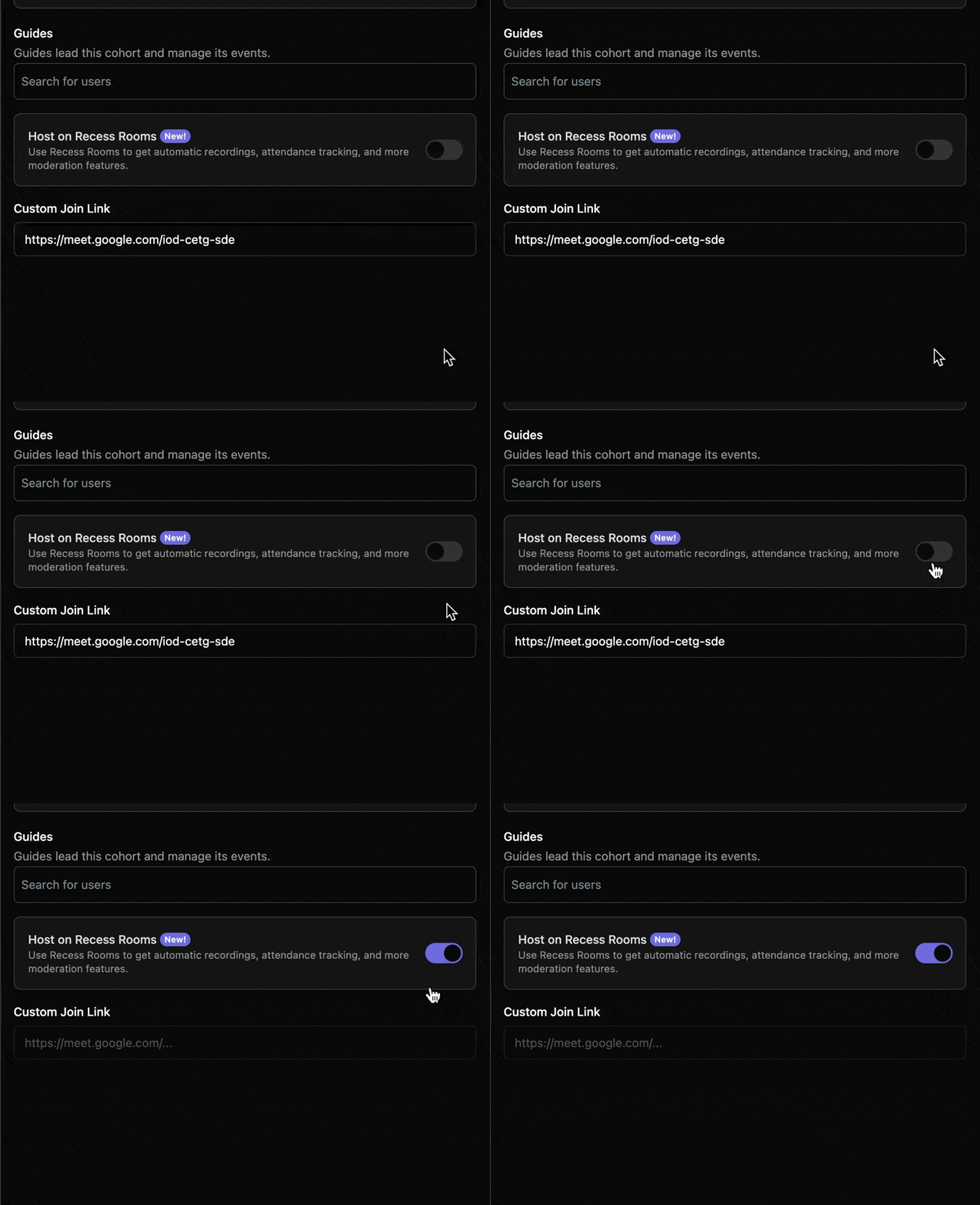
To enable Rooms for existing cohorts, go to the edit cohort page, and toggle on Host on Recess Rooms, then click Save. Your custom join link will be removed.

Joining classes hosted on Rooms

To join a class on Recess Rooms, click “Join Event” from either the schedule page or your course page during a scheduled session.

When the small window opens, grant it permissions for your camera and microphone, and drag it around or resize to your preference.

Access attendance & recordings

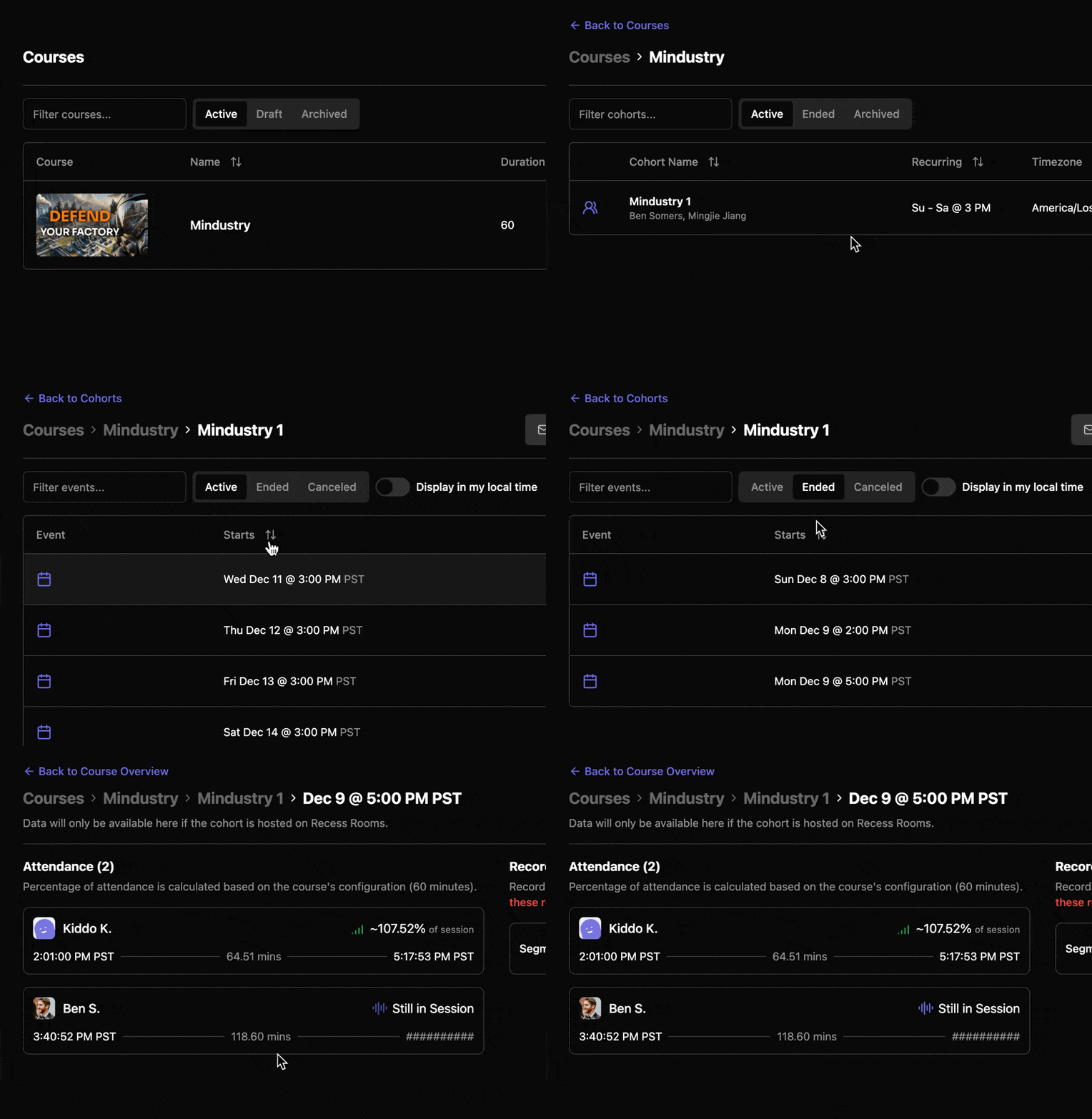
From the cohort admin view, click your course, then the cohort, then go to the Ended tab. Click on an ended event to see its data.

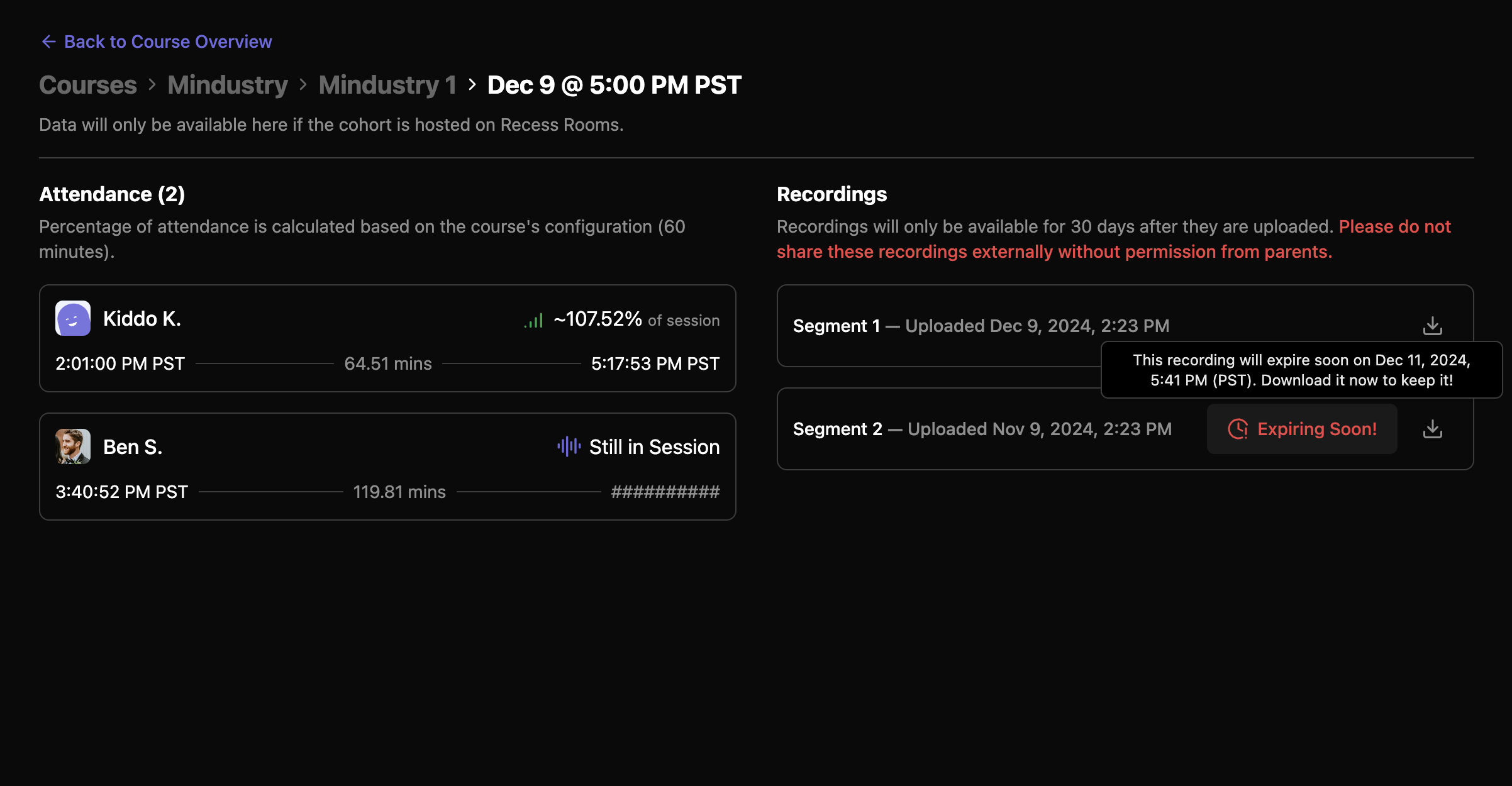
Attendance data and recordings will be made available shortly after each Rooms session ends (when everyone leaves).

Recordings will be stored on Recess for 30 days before they are permanently removed. If you need to retain them for longer, please download them ahead of their expiration (and let us know why — we’re considering extending the availability period as well).

Due to privacy restrictions, please do not share session recordings outside of Recess without first gathering consent from parents.

Let us know what you think!

We hope you find these new tools useful! If you have any feedback, please let us know either by messaging us in Slack, or submitting a feature request.

NewFor Teachers

Comment Replies

You can finally reply to comments in the activity feed—one our most requested features!

You’ll get a notification when someone replies to your comment!

That’s it. It’s for everyone. Pretty simple. 🫡

Shoutout to @Shinga H. for submitting the original feature request. (and many others who had the idea before we launched this feedback board!)

NewFor TeachersFor KidsFor Parents

Earlier updates